
Ghostie Chat
Little ghosts carry every message in your Twitch or YouTube chat, and gobble up the ones your mods delete. Free for your own streams, with no sign up and no email.
Every viewer gets their own little ghost. It carries their message in, gobbles up the deleted ones and throws a tiny party for every sub.
A whole haunted chat,
free to keep
Every viewer gets their own ghost
Each chatter keeps the same face, accessory and pastel color, so your regulars are easy to spot. Witch hats, pumpkin caps, crowns, bat clips and bows are all in the mix.
 Witch hat
 Pumpkin cap
 Crown
Crown Bat clip
 Bow
Bow
Deleted? Gobbled up.
When a mod removes a message, its ghost swallows the whole card and floats away with a full belly. Prefer something quieter? Switch swallowing off and the card simply fades.
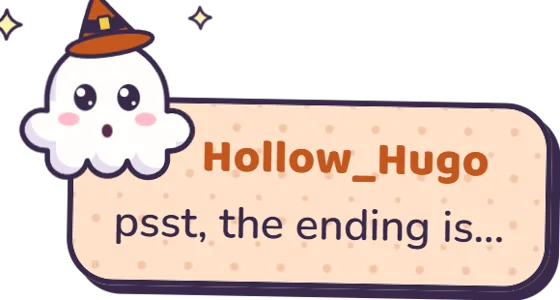 A spoiler sneaks into chat
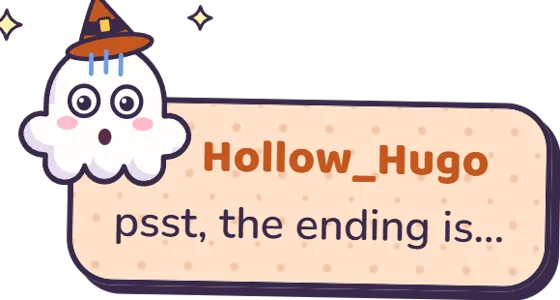 A mod deletes it. Eek.
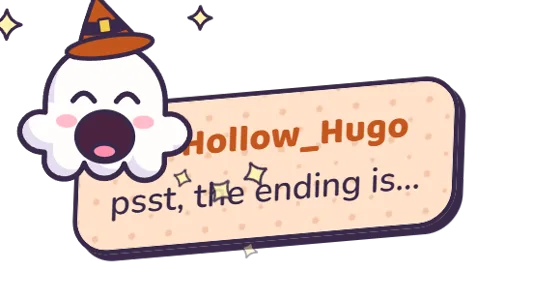 The ghost swallows it whole
 Gone, with a happy full belly
Every alert gets its own ghost scene
Follows, subs, resubs, gifted subs, gift bombs, raids, cheers and tips each play their own scene: a newborn ghost, a ghost hour cuckoo clock, a jar of wisps, a lantern ghost train and a crystal ball full of bits. Each one has its own switch, headline and text.
Fits every stream layout
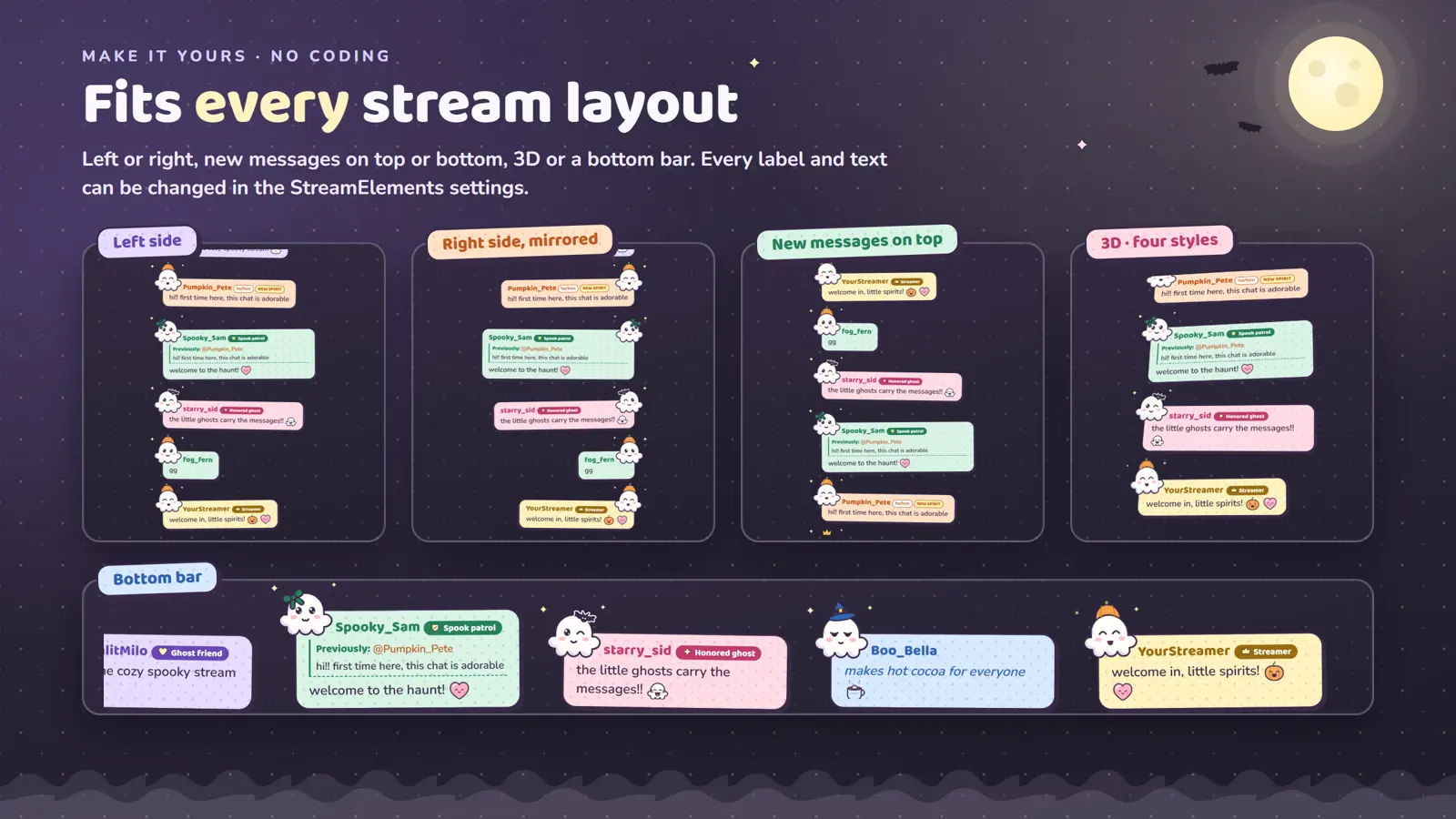
Left or right, new messages on top or at the bottom, four 3D styles or a horizontal bottom bar. Pick one of four arrival animations, or choose Soft fade and switch off the idle motion for a calm chat.
- Twitch, BTTV, FFZ and 7TV emotes
- Role labels or Twitch badges
- NEW SPIRIT tag for first chatters
- Replies, highlights and giant emotes
- Pronouns next to names
- Command and bot filters
- Timestamps and message limits
- Every label and text editable
Live in about five minutes
You need a free StreamElements account and OBS Studio, Streamlabs Desktop or any streaming software with browser sources.
- 1
Download the ZIP
It holds the five widget files, a five page PDF guide, the license and the changelog.
- 2
Paste into StreamElements
Create a custom widget and paste each file into its tab: HTML, CSS, JS, Fields and Data. The guide shows every click.
- 3
Add it to your scene
Add the overlay URL as a browser source, then pick your layout, colors and labels in the widget settings.
Download contents and license
Inside the ZIP
- 1 - HTML.txt … 5 - DATA.txtStreamElements files
- Installation Guide.pdf5 pages
- LICENSE.txtTerms of use
- CHANGELOG.txtVersion 1.0.0
The license in short
- Use it on your own channels, on any platform, for as long as you like.
- Change its settings, colors and texts.
- Sell the files or upload them elsewhere. Share the link to this page instead.
- Use it in other products or claim it as your own work.
Questions before you download
Is Ghostie Chat really free?
Yes. You can use it on the streams and videos of your own channels at no cost. There is no sign up, no email form and no payment step. The button downloads the ZIP straight away.
What do I need to use it?
A free StreamElements account and streaming software that supports browser sources, such as OBS Studio or Streamlabs Desktop. You do not need to write any code.
Does it work with Twitch and YouTube?
Yes. Ghostie Chat reads Twitch and YouTube chat through StreamElements, including Twitch, BTTV, FFZ and 7TV emotes.
Can I change how it looks?
Yes. In the StreamElements settings you choose the side, message direction, 3D style, arrival animation, name colors, role labels and every event text. You can also rename or translate all labels.
Can I make it calmer?
Pick the Soft fade arrival animation and switch off hovering, blinking and star twinkle. Swallowing can be turned off too, so deleted cards simply fade away.
May I share the widget with friends?
Please share the link to this page instead of the files. That way everyone gets the latest version. Selling the files or uploading them elsewhere is not allowed.
Where do I get help with the setup?
Start with the illustrated PDF guide in the ZIP. If you still get stuck, message VogelStreamAssets on Etsy.
Let the ghosts move into your chat
Free for your own streams. Twitch and YouTube, set up in about five minutes.
Want more styles? Browse all chat widgets